



Step 1
Update your iLet Mobile App
Visit the Google Play store or the Apple App Store and search for “iLet Mobile App” to ensure you have the most up-to-date app.

Step 2
How to upgrade to Dexcom G7
Get or Update the App
Download or update the iLet app from the Apple App store or Google Play store.
Position Devices
Have your app and iLet device close by each other.
Enable Dexcom
Once the app is up to date, the app automatically loads certificates required to enable Dexcom G7 features on your iLet.
Select Sensor
When pairing a new sensor, you will have a choice of Dexcom G6 or G7.
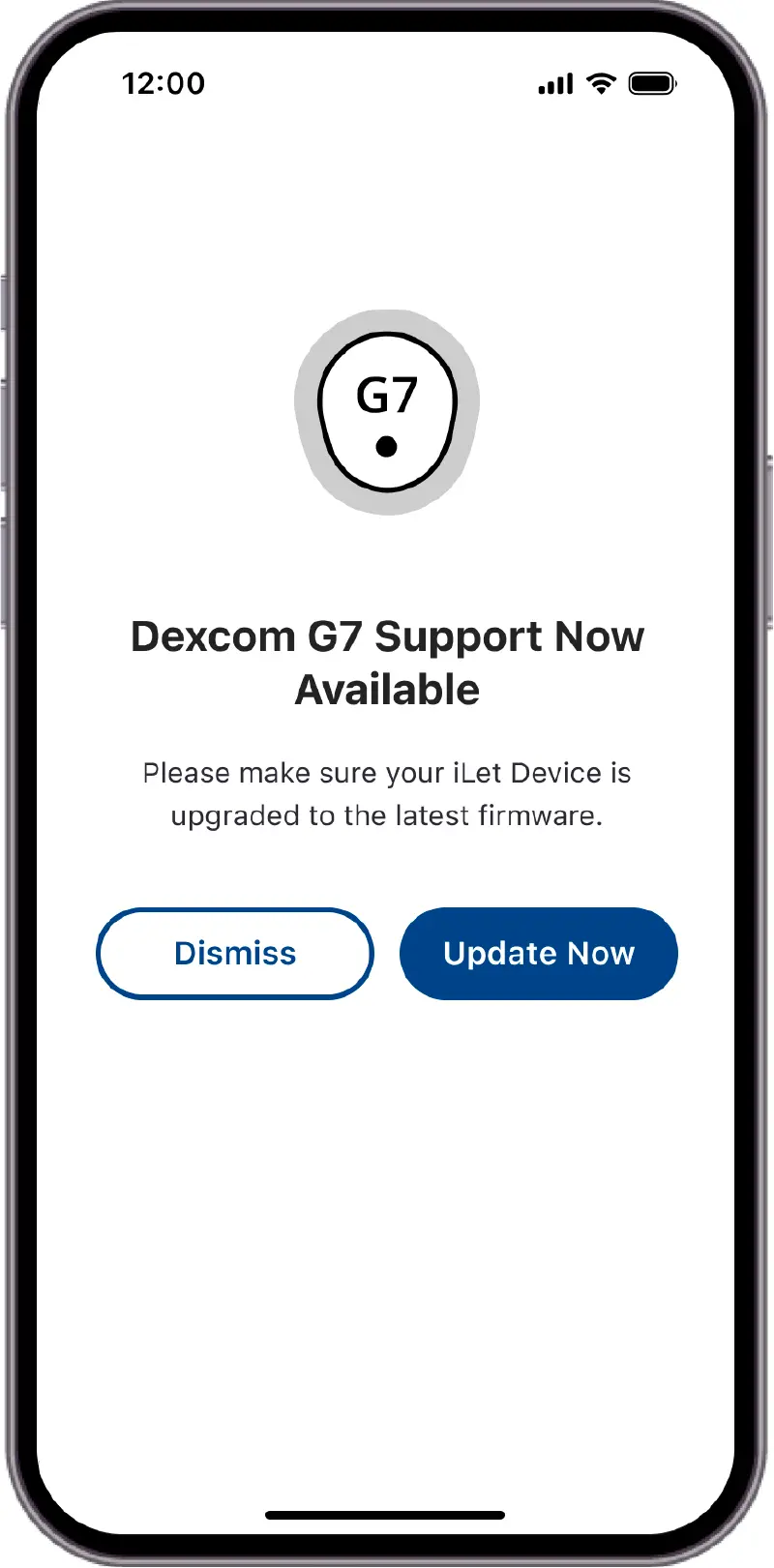
Mobile App is updated and iLet firmware may not be up to date
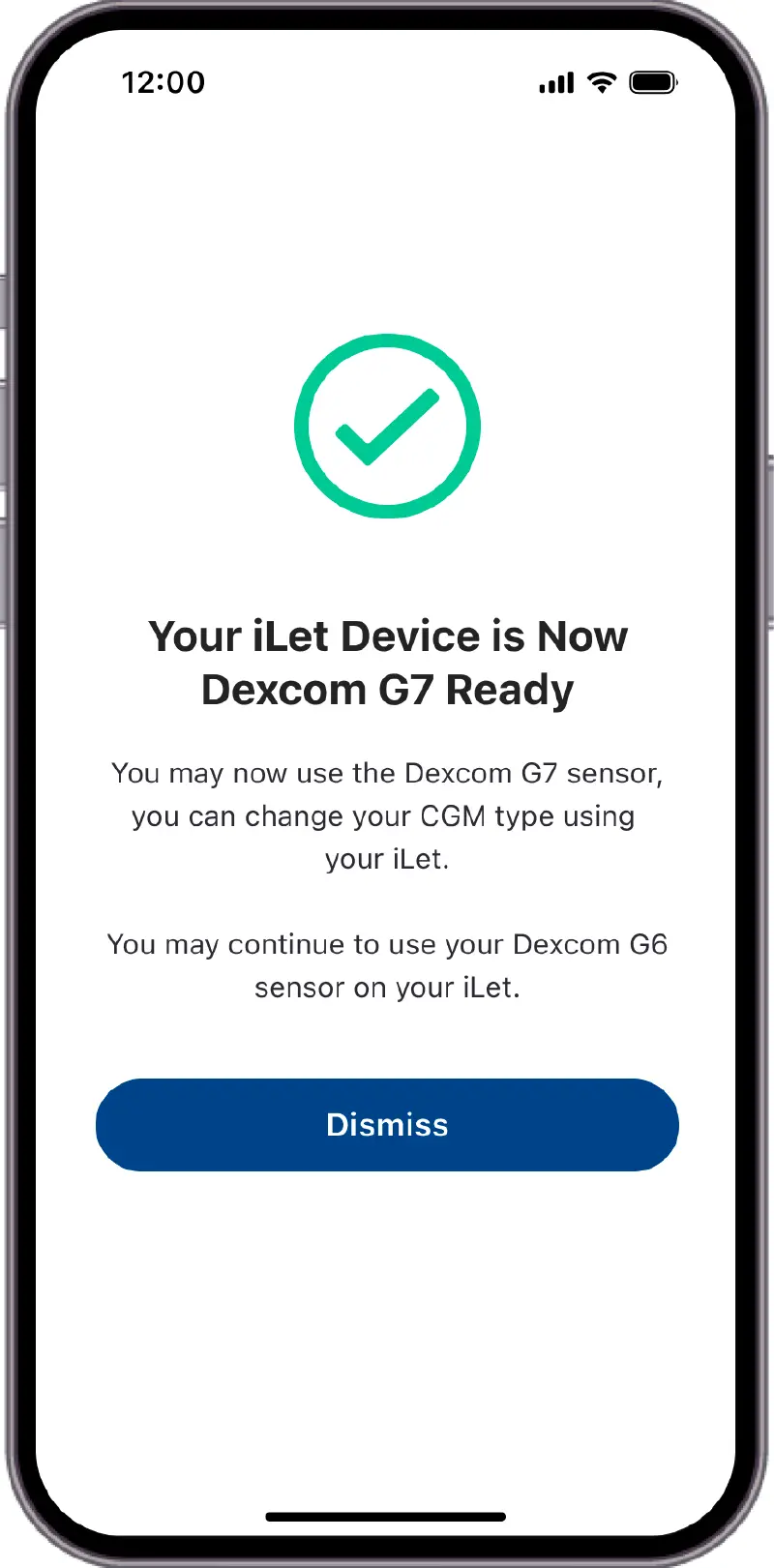
Mobile App is updated and iLet firmware is up to date
Additional iLet Updates
Pairing a new transmitter
Simplified iLet pairing experience
Display
New option to hide the “Always On” display
Insulin On Board (IOB)
Now, the IOB is primarily your correction doses and meal doses (similar to how other pumps display IOB).
For more information
Please reference the iLet Bionic Pancreas User Guide or Quick Reference Guide
Questions?
If you have any questions about upgrading your iLet app or iLet firmware, please contact us at 1-855-745-3800 Option 1.
For questions on Dexcom G7 CGM, please click here.
MM000087_A
Ready to GO BIONIC?
The iLet Bionic Pancreas automatically adjusts to your insulin needs so you don’t have to.